27 Digital Note-taking and Schedule Management
A practical course that treats digital note-taking and schedule management not as simple memo writing or calendar entry, but as a core productivity skill connecting idea capture, meeting and class records, task breakdown, deadline control, reminder automation, cloud sync, AI summaries, and search.
0. Purpose and ultimate goal
The ultimate goal is to help learners organize scattered ideas, class and work records, assignments, appointments, and project schedules into one reliable system, retrieve information quickly, and build routines that prevent missed deadlines and commitments. The course follows a professional paid-training style centered on Notion, Evernote, OneNote, Google Calendar, Outlook Calendar, Todoist, TickTick, Apple Notes, Obsidian, ChatGPT-based practice, real schedule creation, meeting and class notes, weekly reviews, automation rules, and a personal productivity portfolio.
Referenced professional training patterns
- Korean private productivity, Notion template, and professional scheduling course workflows
- US productivity-coaching patterns using calendar blocking, GTD, and task breakdown
- UK/European professional training for digital notes, meeting records, and project scheduling
- Paid template and bootcamp-style outputs using Notion, Evernote, Todoist, Google Calendar, OneNote, and Obsidian
Beginner 1 Day Digital Note-taking and Schedule Management Curriculum
A one-day practical course covering quick notes, checklists, basic calendar entry, reminders, file and link attachments, and cloud sync on smartphone and PC.


| Category | Details | Practice methods |
|---|---|---|
| Objective 1 | Objective 1: digital memo and schedule management of basic understanding. |
Hands-on practice using realistic digital note-taking and schedule management scenarios with instructor demonstration and learner review.
Learners complete a practical digital note-taking and schedule management task, submit an output, and revise it through feedback.
|
| Objective 2 | Objective 2: · work · individual schedule entry and settings perform. |
Hands-on practice using realistic digital note-taking and schedule management scenarios with instructor demonstration and learner review.
Learners complete a practical digital note-taking and schedule management task, submit an output, and revise it through feedback.
|
| Objective 3 | Objective 3: memo and schedule connect table create. |
Hands-on practice using realistic digital note-taking and schedule management scenarios with instructor demonstration and learner review.
Learners complete a practical digital note-taking and schedule management task, submit an output, and revise it through feedback.
|
| Platforms | Google Keep, Apple Notes, Samsung Notes, Microsoft OneNote, Notion, Google Calendar, Outlook Calendar, Apple Calendar, Todoist, TickTick, Microsoft To Do, Google Drive, OneDrive |
|---|---|
| Instructor profile | Instructor should have experience in digital productivity tools, note-taking systems, calendar management, task management, collaboration tools, and practical learner support. |
| Target learners | , college student, general citizens,, people with disabilities education learners, online class, schedule management learners |
| Duration | 4-6 hours |
| Materials | Or,, internet, Google or Microsoft account, memoapp, app, of · work schedule, table |
| Deliverables | Individual memo table, basic scheduletable, settings, table, memo-schedule practice result |
| Assessment | Memo understanding 20%, schedule entry 25%, settings 20%, memo- 25%, participation 10% |
Beginner 3 Days Digital Note-taking and Schedule Management Curriculum
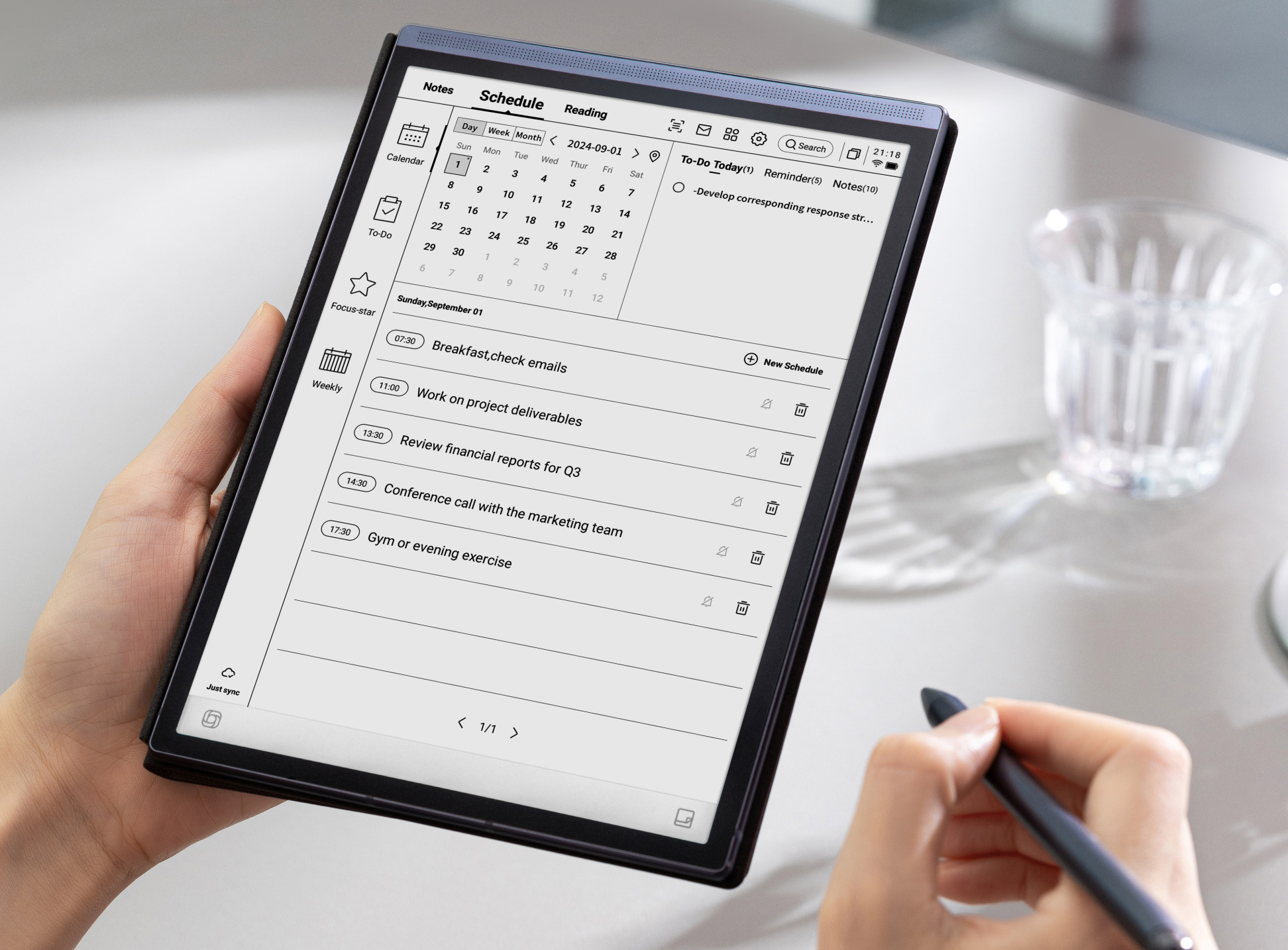
A three-day course training class notes, work memos, assignment management, recurring events, checklists, weekly planning, and cloud sync by real learning situations.


| Category | Details | Practice methods |
|---|---|---|
| Objective 1 | Objective 1: by digital writing application. |
Hands-on practice using realistic digital note-taking and schedule management scenarios with instructor demonstration and learner review.
Learners complete a practical digital note-taking and schedule management task, submit an output, and revise it through feedback.
|
| Objective 2 | Objective 2: schedule and assignment management. |
Hands-on practice using realistic digital note-taking and schedule management scenarios with instructor demonstration and learner review.
Learners complete a practical digital note-taking and schedule management task, submit an output, and revise it through feedback.
|
| Objective 3 | Objective 3: cloud and search materialsmanagement perform. |
Hands-on practice using realistic digital note-taking and schedule management scenarios with instructor demonstration and learner review.
Learners complete a practical digital note-taking and schedule management task, submit an output, and revise it through feedback.
|
| Platforms | Notion, Microsoft OneNote, Obsidian, Evernote, Google Keep, Apple Notes, Google Calendar, Outlook Calendar, Todoist, TickTick, Microsoft To Do, Google Drive, OneDrive, iCloud Drive |
|---|---|
| Instructor profile | Instructor should have experience in digital productivity tools, note-taking systems, calendar management, task management, collaboration tools, and practical learner support. |
| Target learners | High school student, college student,,, education learners, online certification, work · learning schedule management |
| Duration | 12-18 hours |
| Materials | ,, internet, cloud account, Notion or OneNote account, Todoist or TickTick account, plan, of assignment · of materials |
| Deliverables | By digital 5, scheduletable, assignmentmanagement, cloud, searchrulestable, individual productivity routinetable |
| Assessment | Writing 25%, schedule management 25%, using 20%, materialssearch · 20%, practicecompletion also 10% |
Beginner 1 Week Digital Note-taking and Schedule Management Curriculum
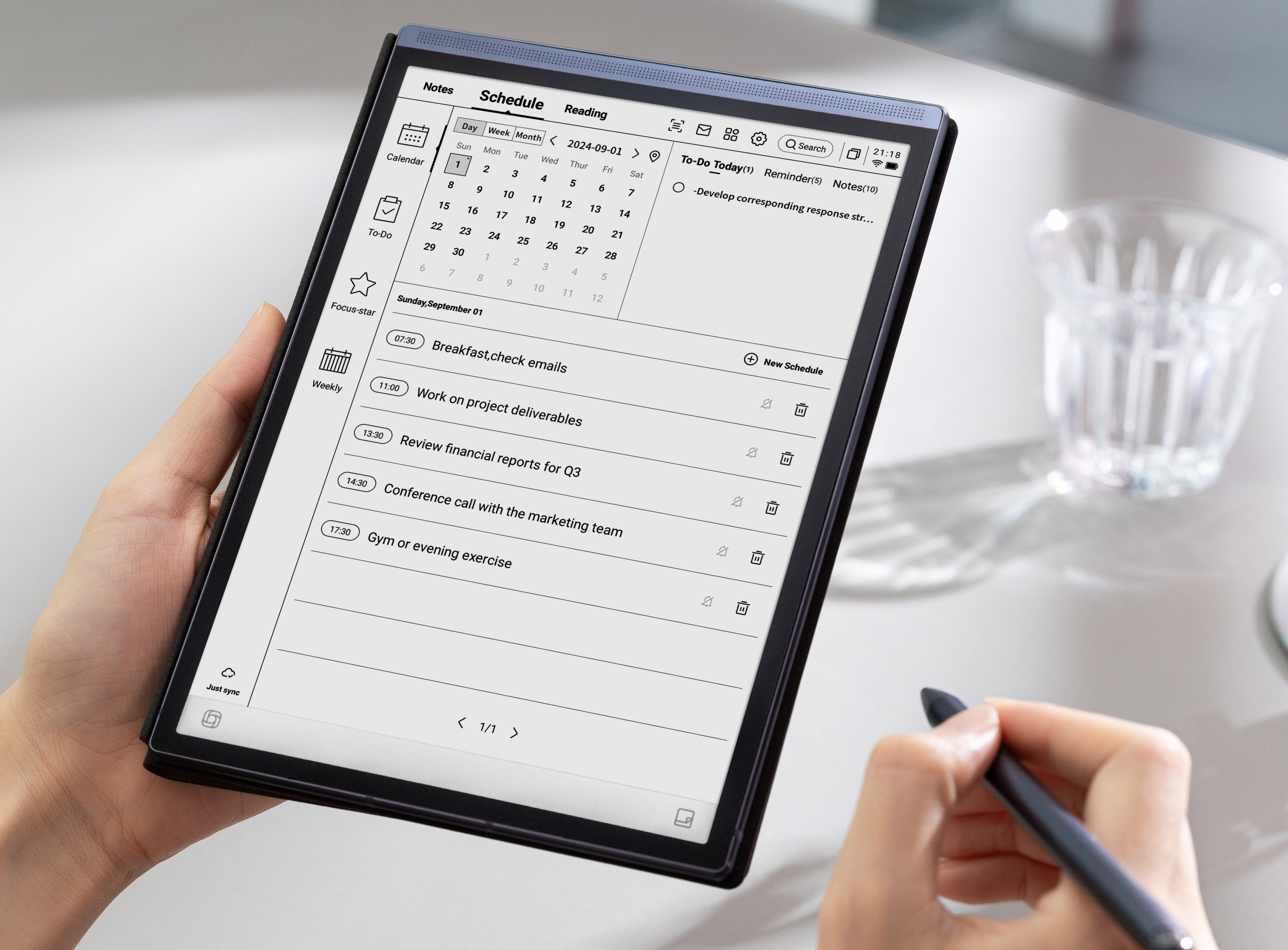
A one-week course expanding into personal knowledge management, assignment and project scheduling, recurring routines, automated meeting notes, AI summaries, and review plans.


| Category | Details | Practice methods |
|---|---|---|
| Objective 1 | Objective 1: individual management type memo. |
Hands-on practice using realistic digital note-taking and schedule management scenarios with instructor demonstration and learner review.
Learners complete a practical digital note-taking and schedule management task, submit an output, and revise it through feedback.
|
| Objective 2 | Objective 2: project and routine schedule management with operation. |
Hands-on practice using realistic digital note-taking and schedule management scenarios with instructor demonstration and learner review.
Learners complete a practical digital note-taking and schedule management task, submit an output, and revise it through feedback.
|
| Objective 3 | Objective 3: AI based · · plan safely use. |
Hands-on practice using realistic digital note-taking and schedule management scenarios with instructor demonstration and learner review.
Learners complete a practical digital note-taking and schedule management task, submit an output, and revise it through feedback.
|
| Platforms | Notion, Notion Calendar, Notion AI, Obsidian, Evernote, OneNote, Google Calendar, Outlook Calendar, Todoist, TickTick, ChatGPT, Gemini, Microsoft Copilot, Google Drive, Readwise Reader |
|---|---|
| Instructor profile | Instructor should have experience in digital productivity tools, note-taking systems, calendar management, task management, collaboration tools, and practical learner support. |
| Target learners | High school student, college student,, freelancer, · work, project type, also learning learners |
| Duration | 20-30 hours |
| Materials | ,, internet, Notion · Obsidian · Evernote account, account, AI tools account, project scenario,, plan |
| Deliverables | Individual management, project scheduletable, routine, AI, table, report, |
| Assessment | Management 25%, project schedule management 25%, routine design 15%, AI · 25%, presentation · feedback 10% |
Intermediate 4 Weeks Digital Note-taking and Schedule Management Curriculum
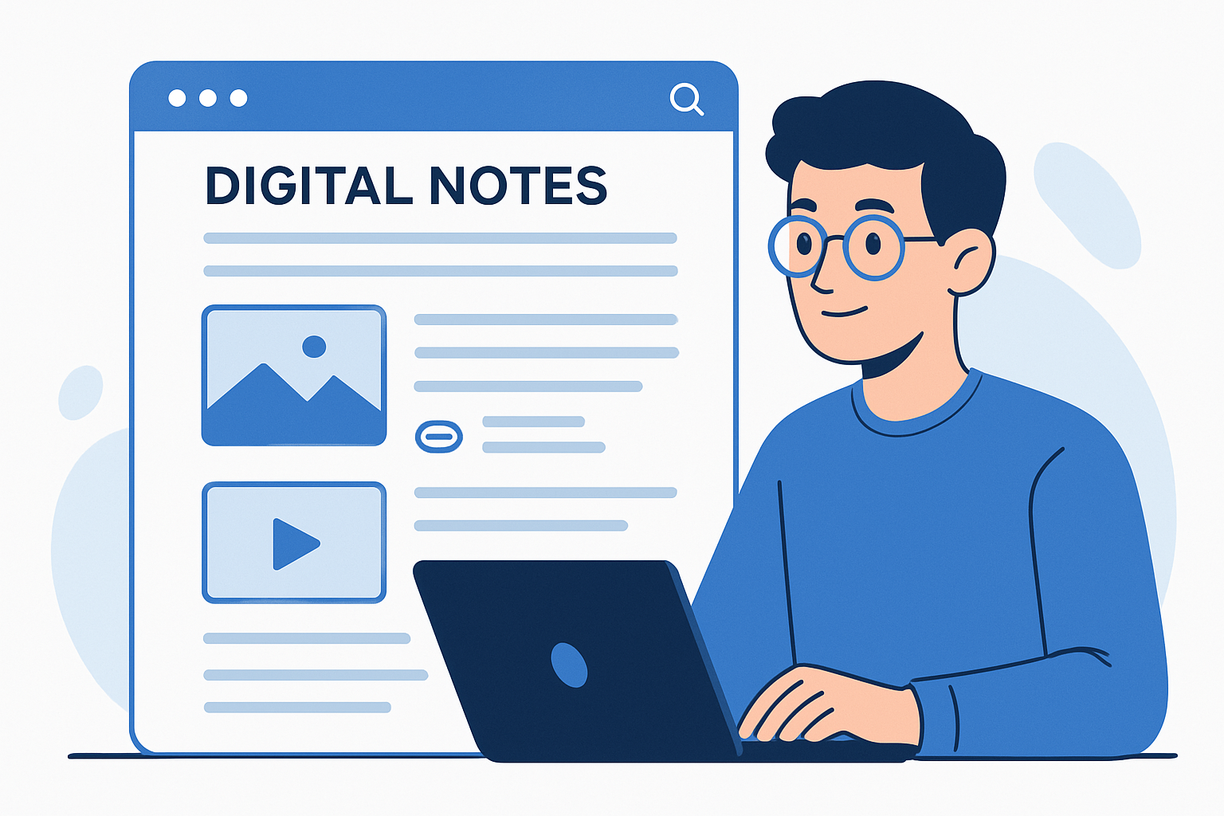
A four-week course expanding personal productivity into team collaboration, workflow automation, meeting operations, institutional learning management, and portfolio-ready template creation.


| Category | Details | Practice methods |
|---|---|---|
| Objective 1 | Objective 1: team collaboration type memo · schedule management design. |
Hands-on practice using realistic digital note-taking and schedule management scenarios with instructor demonstration and learner review.
Learners complete a practical digital note-taking and schedule management task, submit an output, and revise it through feedback.
|
| Objective 2 | Objective 2: work and automation. |
Hands-on practice using realistic digital note-taking and schedule management scenarios with instructor demonstration and learner review.
Learners complete a practical digital note-taking and schedule management task, submit an output, and revise it through feedback.
|
| Objective 3 | Objective 3: education · work creation. |
Hands-on practice using realistic digital note-taking and schedule management scenarios with instructor demonstration and learner review.
Learners complete a practical digital note-taking and schedule management task, submit an output, and revise it through feedback.
|
| Platforms | Notion, Notion Calendar, Microsoft Teams, Google Workspace, Google Calendar, Outlook Calendar, Todoist, TickTick, Slack, Google Chat, Zapier, Make, IFTTT, Canva, PowerPoint, Google Slides |
|---|---|
| Instructor profile | Instructor should have experience in digital productivity tools, note-taking systems, calendar management, task management, collaboration tools, and practical learner support. |
| Target learners | Digital Instructor, educationorganization practitioner,, team, HR · education, freelancer, startup, project management introductory |
| Duration | 40-60 hours |
| Materials | ,, internet, collaboration account, automation tools account, team project scenario,, creation, presentation deck |
| Deliverables | Team collaboration memo,, automation scenario, of operation manual, productivity 4,, presentation deck |
| Assessment | Collaboration design 25%, automation 25%, completion also 25%, operationmanual 15%, team presentation 10% |
Advanced 8 Weeks Digital Note-taking and Schedule Management Curriculum
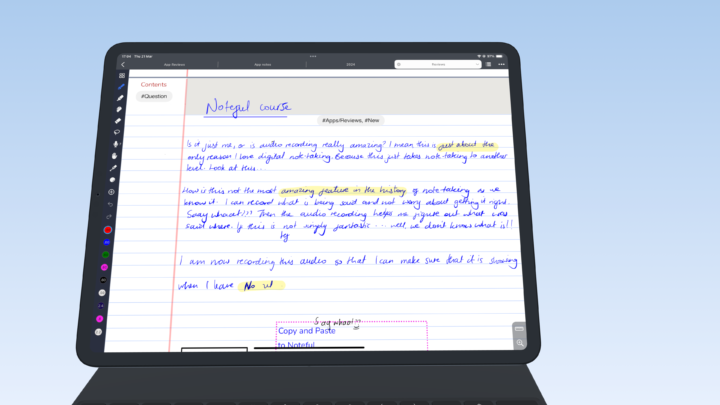
An advanced project course connecting digital note-taking and schedule management to productivity consulting, organizational workflow diagnosis, AI assistant design, paid training-product development, and portfolio building.


| Category | Details | Practice methods |
|---|---|---|
| Objective 1 | Objective 1: individual · organization productivity project perform. |
Hands-on practice using realistic digital note-taking and schedule management scenarios with instructor demonstration and learner review.
Learners complete a practical digital note-taking and schedule management task, submit an output, and revise it through feedback.
|
| Objective 2 | Objective 2: AI individual type memo · schedule management design. |
Hands-on practice using realistic digital note-taking and schedule management scenarios with instructor demonstration and learner review.
Learners complete a practical digital note-taking and schedule management task, submit an output, and revise it through feedback.
|
| Objective 3 | Objective 3: education and portfolio. |
Hands-on practice using realistic digital note-taking and schedule management scenarios with instructor demonstration and learner review.
Learners complete a practical digital note-taking and schedule management task, submit an output, and revise it through feedback.
|
| Platforms | Notion, Notion Calendar, Notion AI, Obsidian, Evernote, OneNote, Google Calendar, Outlook Calendar, Todoist, TickTick, ChatGPT, Gemini, Copilot, Zapier, Make, Google Sites, Canva, Gumroad, Teachable |
|---|---|
| Instructor profile | Instructor should have experience in digital productivity tools, note-taking systems, calendar management, task management, collaboration tools, and practical learner support. |
| Target learners | Digital productivity instructor, AI use instructor, educationorganization operation, HR · education, freelancer, startup, organization workimprovement, advanced learningmanagement |
| Duration | 80-120 hours |
| Materials | ,, internet, Notion · Google · Microsoft account, AI tools account, automation tools account, organization scenario, report, education design, portfolio |
| Deliverables | Productivity report, AI individual, memo--schedule automation, target by curriculum,, portfolio guide |
| Assessment | Report 25%, AI design 25%, automation 20%, education · 20%, presentation 10% |